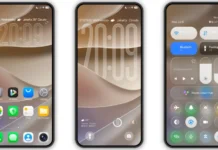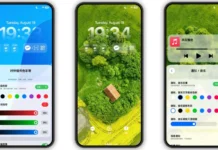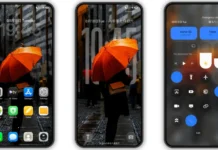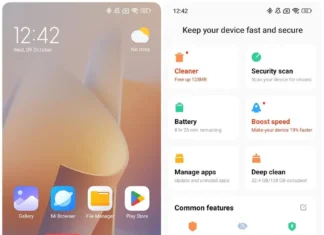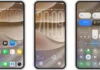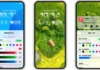




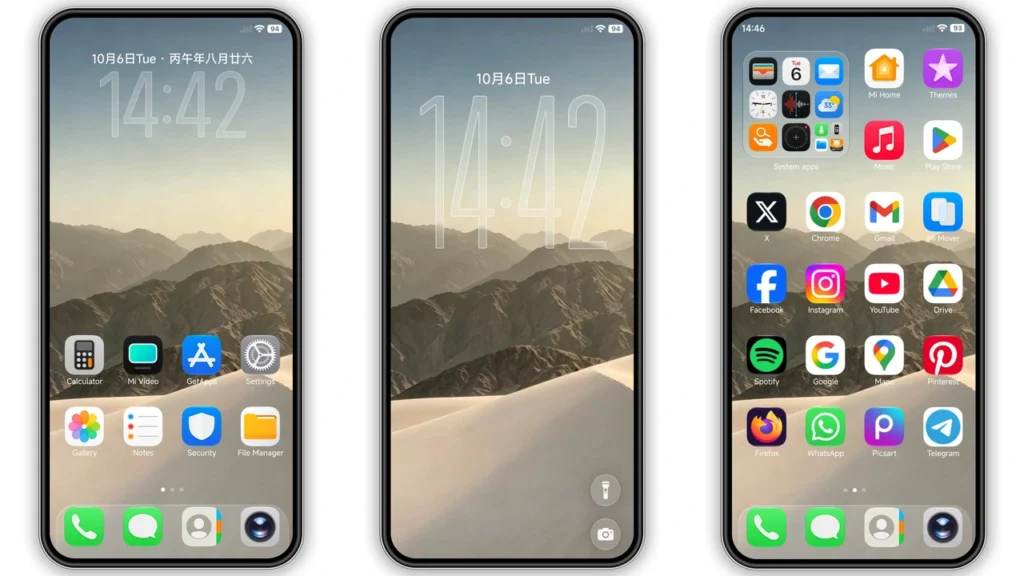
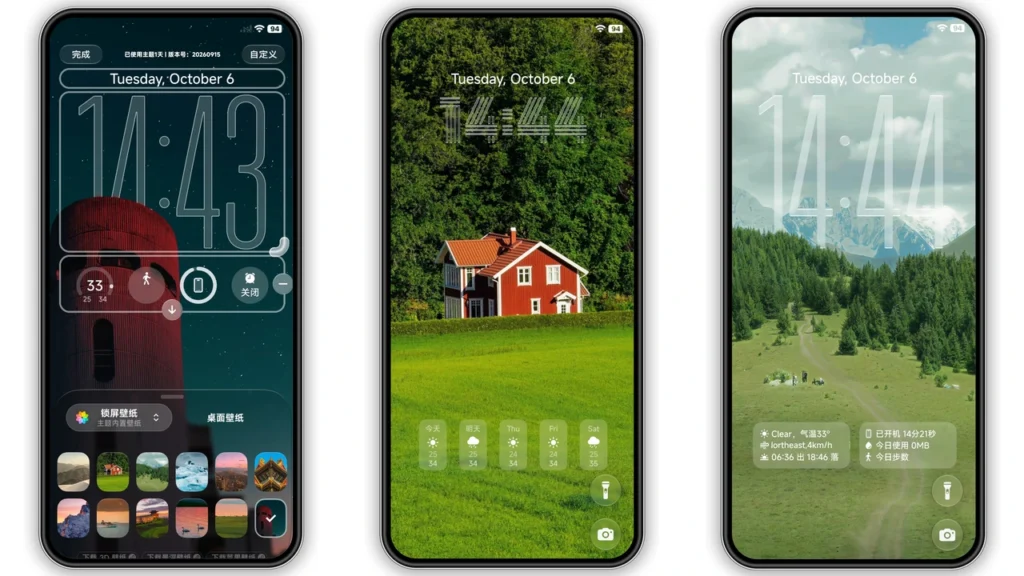
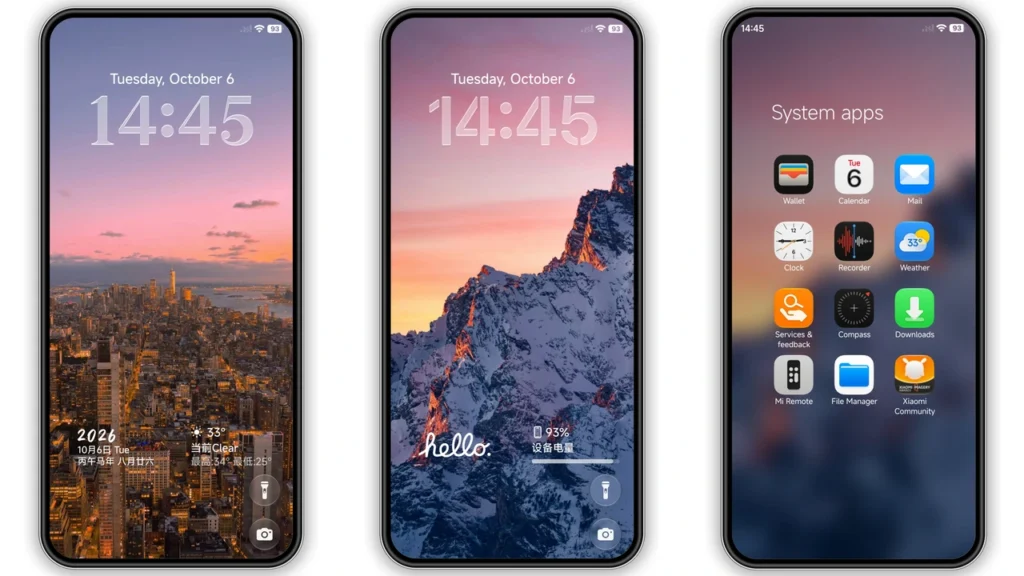
Super Mi Duo HyperOS Theme is a free HyperOS theme that makes Xiaomi, Redmi and POCO phones look like iOS. 苏哥suger designed it, and it is listed on the Chinese Xiaomi Theme Store. It runs on HyperOS, HyperOS 2.0 and HyperOS 3.0.
What it changes
It replaces most of what you see on the home and lock screens: icons, wallpapers, status bar, dock and system folders. The lock screen has several glass-style clock layouts. The wallpapers are nature and city shots. There is also an Always-on Display style.
“Duo” is just the designer’s name for the style. Apple has no part in it.
Super Mi Duo HyperOS Theme details
| Detail | Info |
|---|---|
| Size | 40.05 MB |
| Designer | 苏哥suger |
| Region/server | China |
| Compatibility | HyperOS, HyperOS 2.0, HyperOS 3.0 |
| Price | Free |
Preview
Download
Keep the backup file. If a later update changes the look, you can restore the original.
How to apply it on stock HyperOS or MIUI
- Open this page in Chrome or the default Xiaomi Browser.
- Tap the Official Theme Store Link.
- The theme page opens in Chinese. Tap the three dots in the top-right corner and choose “Open in app”.
- Download the theme in the Themes app and tap Apply.
If the link does nothing, switch browsers. Third-party browsers often fail to hand the link over to the Themes app.
How to apply it on a custom ROM
On Xiaomi.eu, MIUIRoom and other MIUI 11-14 or HyperOS-based custom ROMs, import the MTZ file.
- Download the MTZ file.
- Open the Themes app and go to Themes.
- Scroll down and tap Import.
- Pick the MTZ file and apply it.
If icons overlap or something is missing, restart the phone. After applying, check the lock screen first. It is the part of a China-server theme most likely to differ on a Global ROM.
Using it with other Xiaomi devices
The theme only changes the phone. Still, a few things around it can match.
A Xiaomi Pad uses the same Themes app, so you can search there for a light, glass-style theme and keep the two screens close. Watch faces are set in the Xiaomi Watch or Mi Fitness app, so pick a simple face that does not fight with the lock screen clock. If you run Mijia appliances through Xiaomi Home, that shortcut will pick up the new icon style too.
FAQ
Is it free? Yes.
Does it work on Redmi and POCO? Yes, as long as the phone runs a supported HyperOS version.
Does it work on MIUI 14? The listing only names HyperOS. The MTZ method may work on MIUI 14, but I would not promise it.