







Xiaomi’s HyperOS 4 System Launcher has a new build, RELEASE-8.01.02.9248-261013-11112305-R, extracted from official HyperOS 4 ROMs. You can install it by hand on compatible phones. There’s no official changelog.
What’s in it
Unknown. The previous builds in the 8.01.02 branch only fixed bugs and improved stability, with no new animations or visual changes, and this one likely does the same. If you want new features, this isn’t it.
Which phones can use it
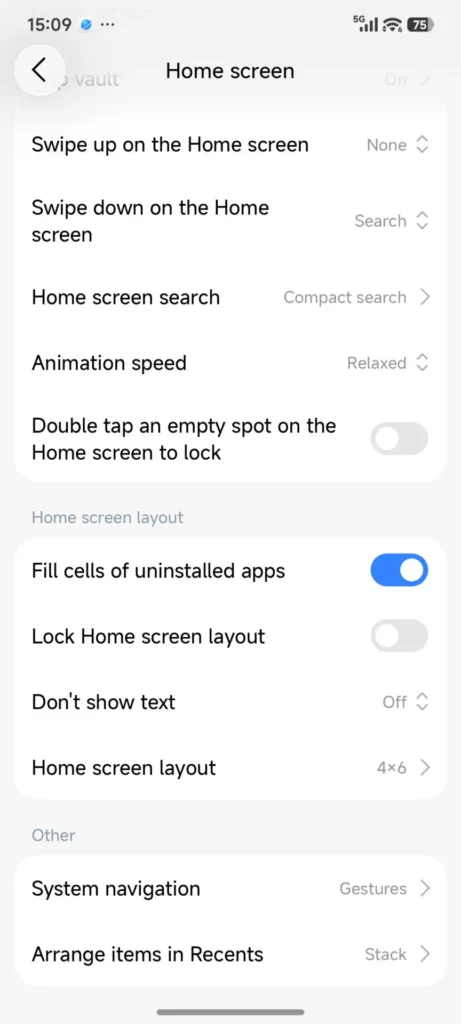
It’s made for HyperOS 4 but also runs on some HyperOS 3.1 devices. Results vary by region, model and system version. The launcher (com.miui.home) is tied closely to the rest of the interface, so on an unsupported Xiaomi, Redmi or Poco phone it may glitch or crash.
How to install it
- Download the APK from a source you trust.
- Uninstall any older HyperOS launcher update.
- Allow installs from unknown sources if prompted.
- Install the APK and restart.
Back up your home screen layout first. If it goes wrong, put the old version back.
Why Xiaomi ships launcher updates on their own
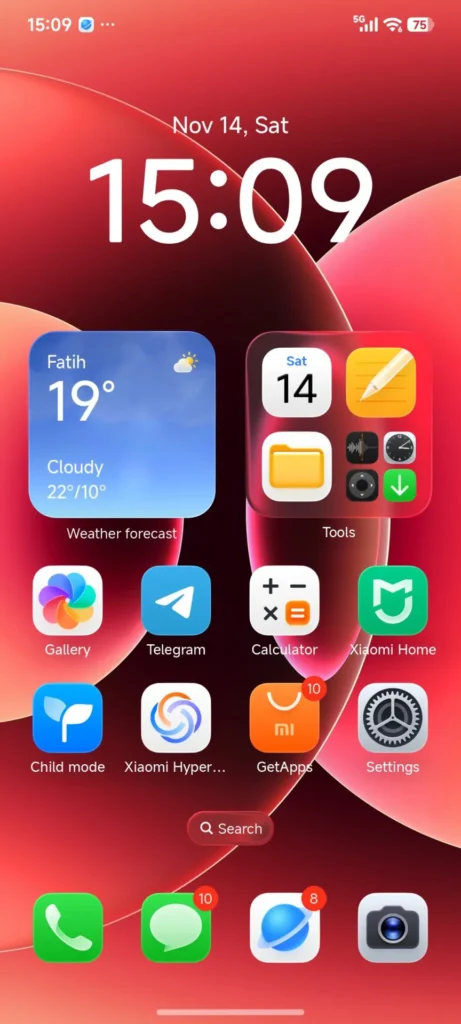
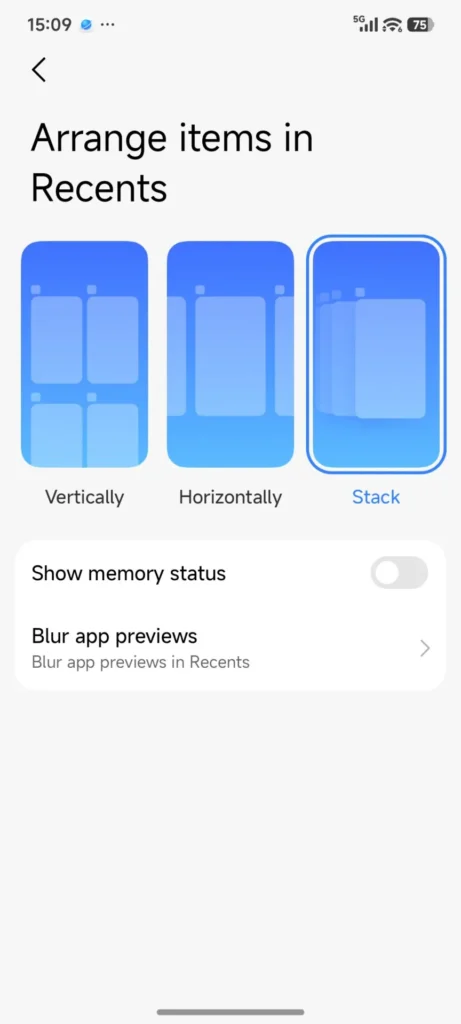
The launcher controls your home screen, recents, widgets and app animations. Xiaomi now updates system apps separately from full OS releases, which gets small fixes to users sooner.
How this fits the rest of Xiaomi’s lineup
HyperOS 4 runs across Xiaomi’s products, not just phones. It’s in beta on the Xiaomi 17 series, with Redmi and Poco models to follow, and Xiaomi Pad tablets get the same interface changes. Xiaomi Home devices, TVs, watches and bands connect to your phone through HyperOS, so a smoother phone launcher makes everyday use of the whole setup less annoying.