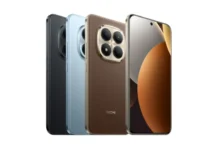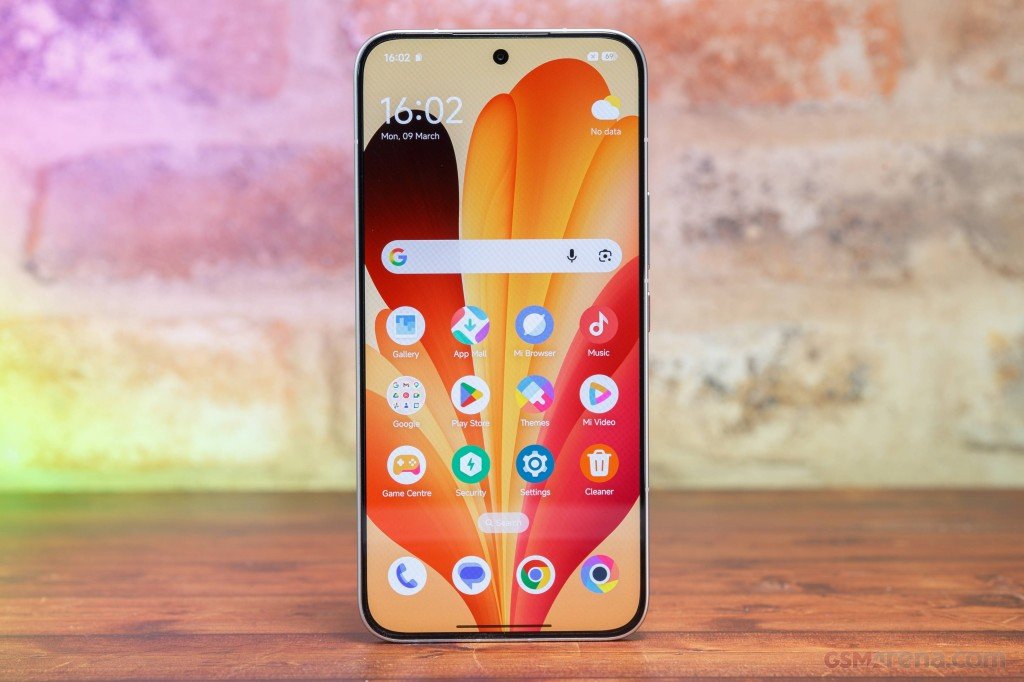








Xiaomi HyperOS 3.1 Wallpapers are the default backgrounds that come with the HyperOS 3.1 update on supported Xiaomi, Redmi and Poco phones. The artwork stays close to HyperOS 3: gradients, soft color shifts and abstract shapes. You can download Xiaomi HyperOS 3.1 Wallpapers now and apply them on any Xiaomi, Redmi or Poco phone still waiting for the update.
The pack includes light and dark versions. Each image is a JPG at around 1200 x 2670 pixels or higher, which fits 20:9 AMOLED screens. Files are compressed, so the download is small. On tablets and foldables the crop can differ.
HyperOS 3.1 Wallpapers
Each is 1440 x 3200, so they’ll look sharp on most screens. The images below are low-resolution previews, so don’t save them from this page. The original files are in the download section.
Preview








Download HyperOS 3.1 Wallpapers
Want them on your home screen or lock screen? The full-quality files are on Google Drive.
- Download HyperOS 3.1 Wallpapers: Google Drive
How to Set the Wallpaper
- Open your Downloads folder and pick the wallpaper you want.
- Open it and tap the three-dot menu.
- Choose “Set as wallpaper,” then home screen, lock screen, or both.