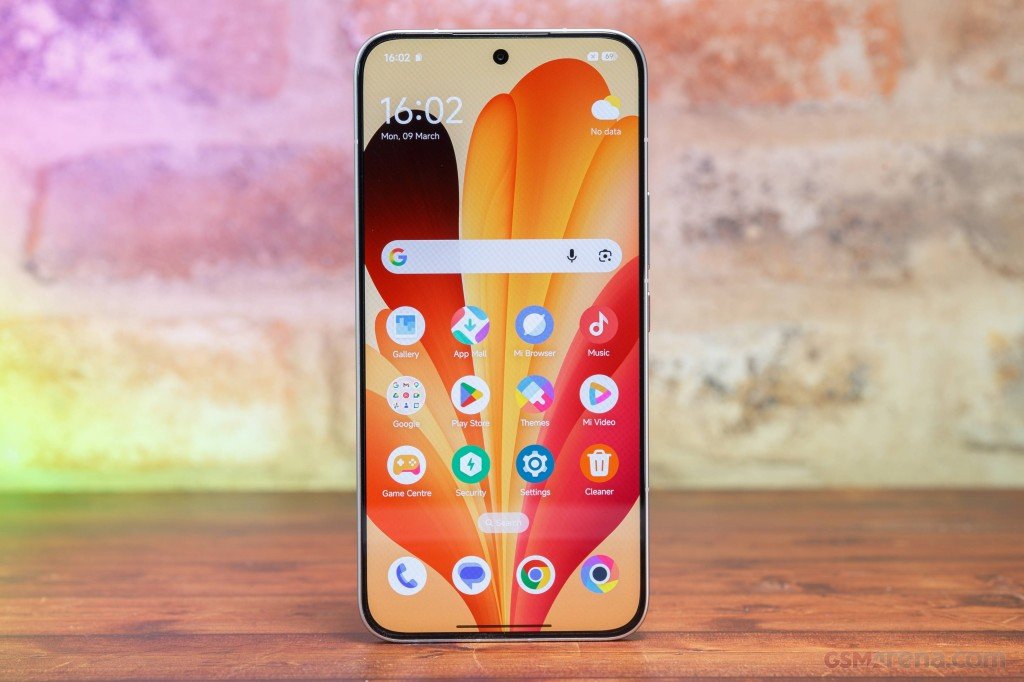








For all those user that are looking for REDMI Pad 2 4G HyperOS 3 Stable ROM, you can now download it. Update news also lands first in the Xiaomi Community app, if you want to follow along.
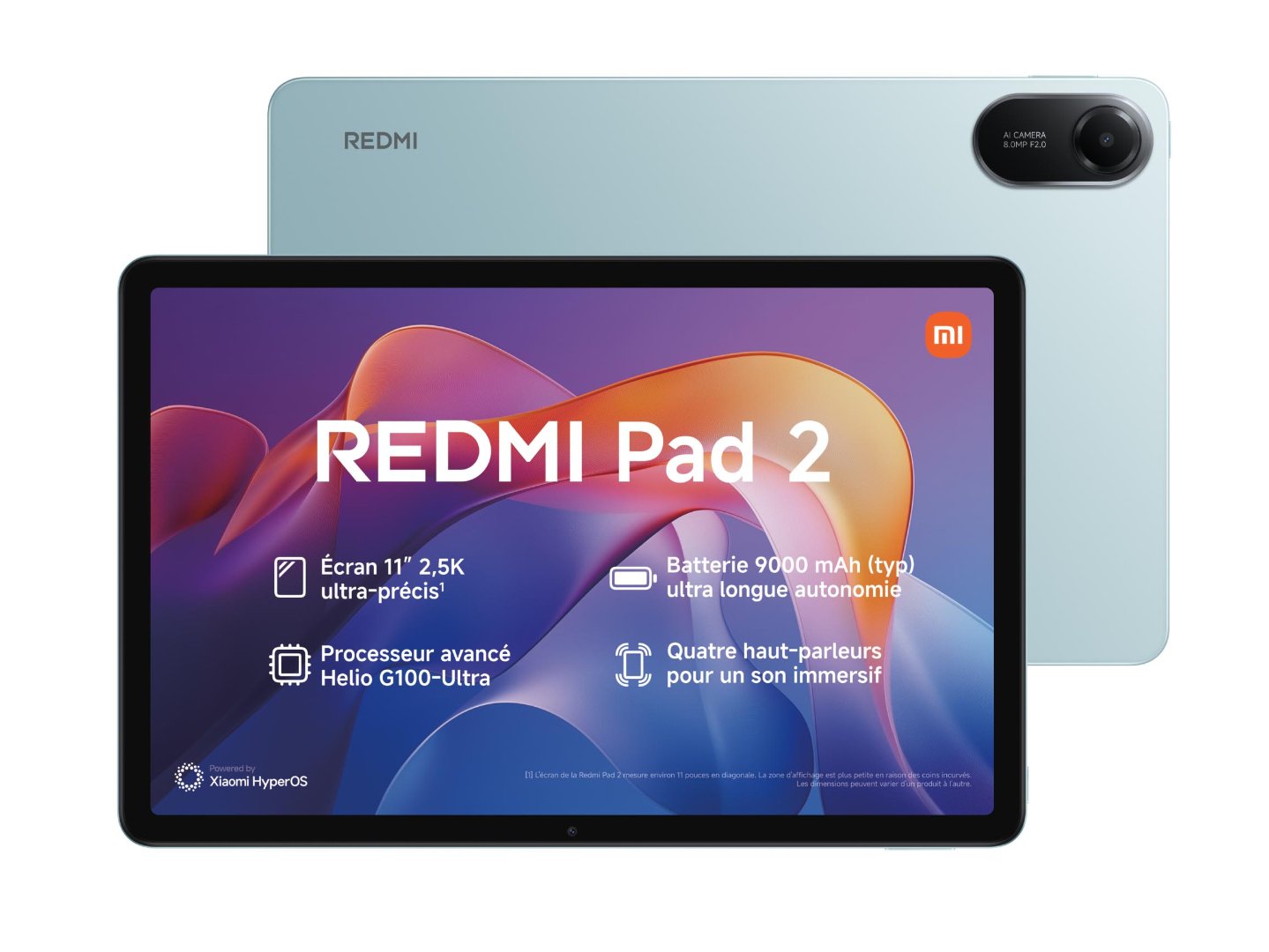
REDMI Pad 2 4G specs
The Redmi Pad 2 4G is an 11-inch tablet with a cellular modem. The screen is a 2.5K IPS panel with 10-bit color and a 90Hz refresh rate, and the chip is a 6nm MediaTek Helio G100 Ultra. RAM and storage vary by market, from 6GB/128GB to 8GB/256GB, and the Italian listing shows a 4GB/128GB version. The body is metal, there are four speakers, and a microSD card of up to 2TB expands the storage. The cameras are 8MP at the back and 5MP at the front. The 9,000mAh battery is rated for up to 19 hours of video, but charging tops out at 18W. In the Philippines the SRP is Php11,999 for 6GB/128GB and Php13,999 for 8GB/256GB. In India the 4G model starts at Rs 18,999, and in Italy it launched at €229. It fits people who want a big screen for video, reading and study, and who want mobile data without tethering to a phone.
Within Xiaomi’s range, the Redmi Pad SE 4G and the Redmi Pad Pro 5G are the closest options, and the Samsung Galaxy Tab A9+ and Lenovo Idea Tab are the usual rivals. The Pad SE 4G is smaller and cheaper and has IP53 dust and water resistance, while the Pad 2 offers the larger screen, bigger battery and pen support. The Pad 2 wins on battery life, screen sharpness and expandable storage. It loses on charging speed, a 90Hz LCD panel and a basic camera.
Which ROM do you need?
Match the ROM to your phone’s region. German phones use EEA, Colombian phones use Global. This page only has Global and Taiwan, so if you need another region, look for its own package.
EEA (OS3.0.303.0.WOWEUXM, 5.2 GB): Download
Global (OS3.0.305.0.WOWMIXM, 5.2 GB): Download
ID (OS3.0.302.0.WOWIDXM, 5.1 GB): Download
IN (OS3.0.302.0.WOWINXM, 4.9 GB): Download
RU (OS3.0.302.0.WOWRUXM, 5.0 GB): Download
TW (OS3.0.302.0.WOWTWXM, 5.0 GB): Download
Both come from the MIUI Official Team. The links carry a timestamp, so if one stops working, grab a fresh link from the official page.
Installing the REDMI Pad 2 4G HyperOS 3 Stable ROM
You have two options. Local Update is done on the phone and is the easy one. Fastboot Update needs a PC, so use it only if you’re comfortable flashing.
Back up your data before you start, and keep the battery above 50%. Flashing another region’s ROM is the classic way to end up with a phone that won’t boot properly, so double-check the region first.