






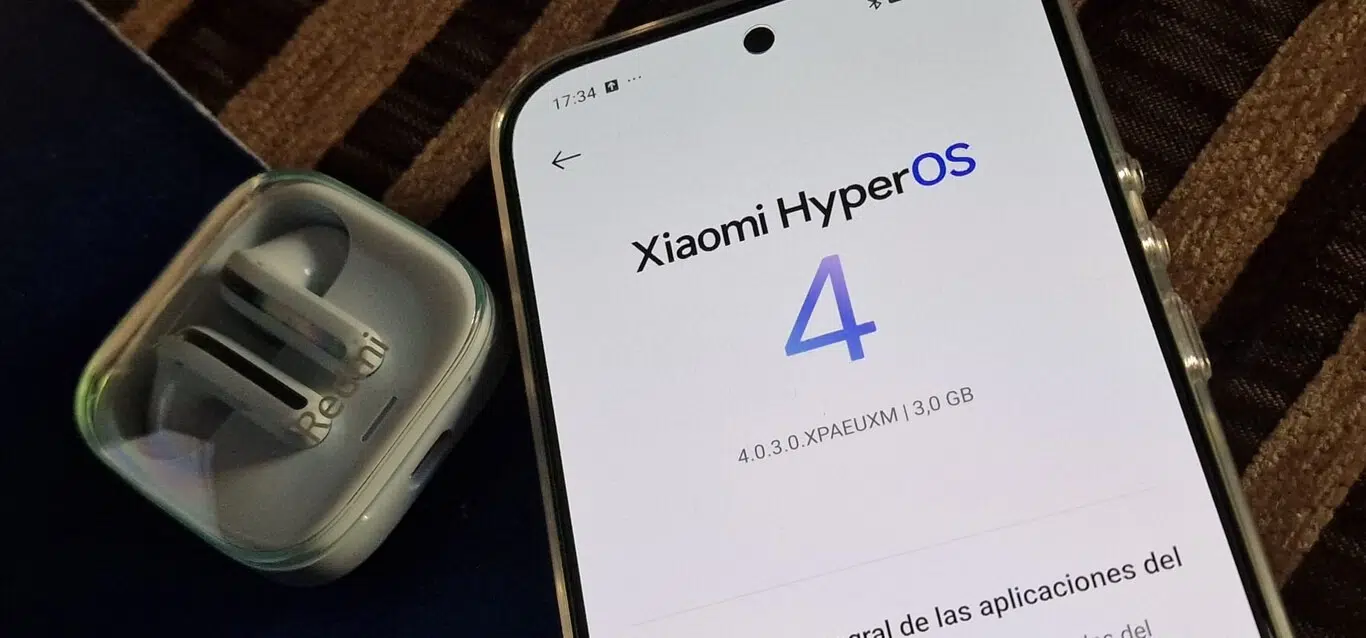
Xiaomi has started sending out HyperOS 3.1 and HyperOS 4 updates with the November 2026 security patch. Thirteen Xiaomi, Redmi and POCO models are on the list. The rollout is staged by region, so don’t be surprised if your phone doesn’t show it on day one.
Which regions are getting it?
Builds are out for these firmware regions:
- Global (MIXM)
- Europe (EUXM)
- Russia (RUXM)
- India (INXM)
- Taiwan (TWXM)
- Turkey (TRXM)
- China (CNXM)
The region is the last four letters of the build number. OS3.0.312.0.WMLEUXM, for example, is the European build for the Xiaomi 13T Pro.
Devices and build numbers
| Device | Shell version | Build numbers |
|---|---|---|
| Xiaomi Pad 9 Pro | HyperOS 4 | OS4.0.11.0.XFPCNXM |
| Xiaomi 17T Pro | HyperOS 3.1 | OS3.0.307.0.WPSTWXM |
| Xiaomi 13T Pro | HyperOS 3.1 | OS3.0.306.0.WMLTWXM, OS3.0.306.0.WMLTRXM, OS3.0.312.0.WMLEUXM, OS3.0.304.0.WMLRUXM |
| Redmi Note 15 Pro+ 5G | HyperOS 3.1 | OS3.0.308.0.WPRMIXM, OS3.0.306.0.WPRINXM |
| Redmi Note 14 Pro 5G | HyperOS 3.1 | OS3.0.306.0.WOOMIXM, OS3.0.305.0.WOOINXM, OS3.0.305.0.WOOEUXM |
| Redmi Note 14 Pro+ 5G | HyperOS 3.1 | OS3.0.307.0.WOPEUXM |
| Redmi 17 5G | HyperOS 4 | OS4.0.3.0.XAVMIXM, OS4.0.6.0.XAVMIXM |
| Redmi 15C | HyperOS 4 / HyperOS 3.1 | OS4.0.6.0.XBNMIXM, OS4.0.8.0.XBNMIXM, OS3.0.302.0.WBNTRXM |
| POCO F6 Pro | HyperOS 3.1 | OS3.0.306.0.WNKMIXM |
| POCO M8 Pro 5G | HyperOS 3.1 | OS3.0.308.0.WPRMIXM, OS3.0.306.0.WPRINXM |
| POCO X7 | HyperOS 3.1 | OS3.0.306.0.WOOMIXM, OS3.0.305.0.WOOINXM, OS3.0.305.0.WOOEUXM |
| POCO M8x 5G | HyperOS 4 | OS4.0.3.0.XAVMIXM, OS4.0.6.0.XAVMIXM |
| POCO C85 | HyperOS 4 / HyperOS 3.1 | OS4.0.6.0.XBNMIXM, OS4.0.8.0.XBNMIXM, OS3.0.302.0.WBNTRXM |
HyperOS 4 or HyperOS 3.1?
Five devices get HyperOS 4 builds (OS4.x): the Xiaomi Pad 9 Pro on the China build, the Redmi 17 5G, the Redmi 15C, the POCO M8x 5G and the POCO C85. The 15C and C85 are split. Global builds carry HyperOS 4, while the Turkish build stays on HyperOS 3.1.
The other eight stay on HyperOS 3.1 (OS3.x): Xiaomi 17T Pro, Xiaomi 13T Pro, Redmi Note 15 Pro+ 5G, Redmi Note 14 Pro 5G, Redmi Note 14 Pro+ 5G, POCO F6 Pro, POCO M8 Pro 5G and POCO X7.
Redmi and POCO twins
Some pairs share the same base build code, which points to the same hardware under two brand names:
- Redmi Note 15 Pro+ 5G and POCO M8 Pro 5G (WPR)
- Redmi Note 14 Pro 5G and POCO X7 (WOO)
- Redmi 17 5G and POCO M8x 5G (XAV)
- Redmi 15C and POCO C85 (XBN)
If your phone has no update yet, check whether its twin has one. That’s usually the best hint of what’s coming.
How to check for the update
- Open Settings > About phone > HyperOS version and tap the version card.
- Tap Check for updates.
- Back up your data first and keep the battery above 50%.
Staged rollouts can take days or weeks to reach everyone in a region. Stick to the official updater. Flashing another region’s ROM can leave you with a phone you have to recover by hand, so skip it unless you know how.
What this means for the rest of your Xiaomi gear
HyperOS runs on more than phones, and the phone is usually the hub, so its software version matters to everything paired with it.
- Tablets: The Pad 9 Pro is the only tablet in this batch. If you pair it with a Xiaomi phone on HyperOS 3.1 or 4, screen sharing, file transfer and clipboard sync are the features to test after updating.
- Smart home: Mijia and Xiaomi Home devices such as air purifiers, robot vacuums and washer-dryers are set up and controlled from the phone app. After a big OS update, check that your devices still show as online.
- Wearables and audio: Watches, bands and Buds pair through the phone. Pairing and notification problems after an OS update are common, so keep an eye on them.
- TVs and TV boxes: The phone doubles as a remote and cast source for Xiaomi TVs and TV boxes.
- Xiaomi Auto: The car’s connected features sit in the same HyperOS family.
Related on aroundxiaomi.com: the HyperOS 4 tracker, the Xiaomi Mobile Devices tracker and the Smart Home tracker.