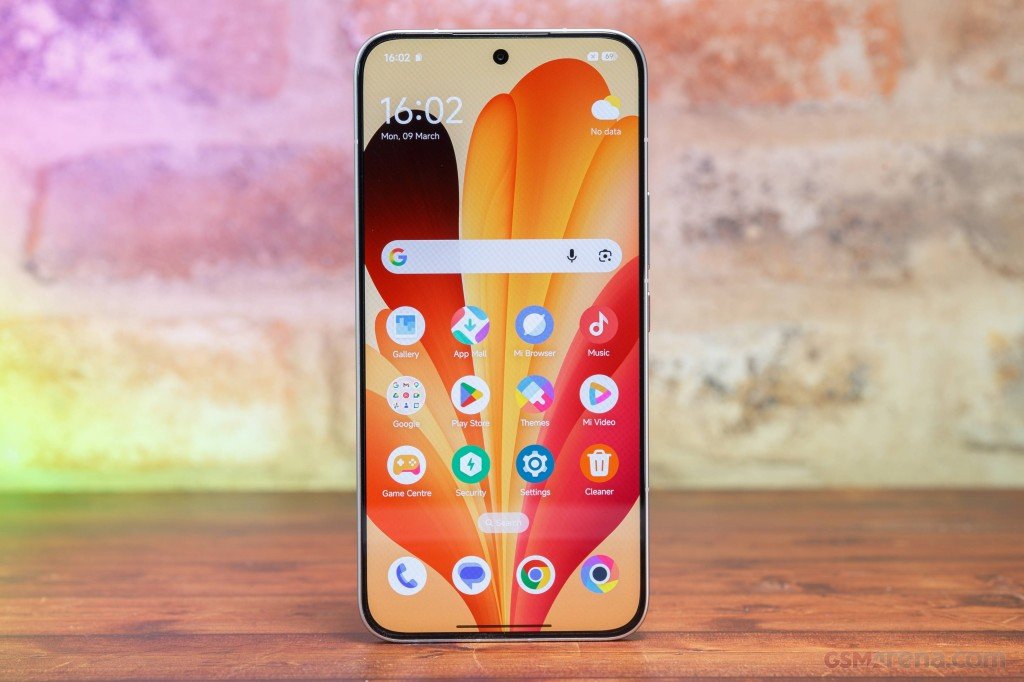









For all those user that are looking for Xiaomi 15T HyperOS 3 Stable ROM, you can now download it. Update news also lands first in the Xiaomi Community app, if you want to follow along.
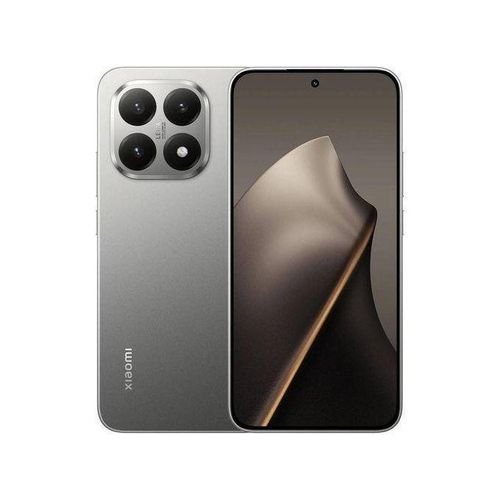
Xiaomi 15T specs
The Xiaomi 15T is a 5G phone with a 6.8-inch AMOLED screen that runs at 120Hz and reaches 3,200 nits. It uses a Dimensity 8400 Ultra chip with 12GB of RAM and either 256GB or 512GB of storage. The rear camera setup is a 50MP main with OIS, a 50MP telephoto at 2x optical zoom and a 12MP ultra-wide, and the selfie camera is 32MP. The back is glass, the phone is IP68 rated and weighs 194g. Most listings show a 5,500mAh battery with 67W wired charging. The 50W wireless charging from the Pro is gone. One source claims 90W wired, so check that against Xiaomi’s spec sheet.
At launch it cost €649 for the 256GB model, and the 12GB/512GB version has an SRP of Php28,999 in the Philippines. It fits someone who wants a lighter phone with a big battery and doesn’t care much about long zoom. Within Xiaomi’s range, the 15T Pro and the 14T are the closest options. The Galaxy S25 FE and OnePlus 13R are the rivals most buyers will weigh it against. Next to the 15T, the Pro has a Dimensity 9400+ chip, a 144Hz screen and a 5x telephoto, and it costs about Php11,000 more in the Philippines. The 15T wins on weight, water resistance and brightness, and it loses on zoom range and wireless charging.
Which ROM do you need?
Match the ROM to your phone’s region. German phones use EEA, Colombian phones use Global. This page only has Global and Taiwan, so if you need another region, look for its own package.
EEA (OS3.0.311.0.WOEEUXM, 6.6 GB): Download
Global (OS3.0.302.0.WOEMIXM, 6.5 GB): Download
TW (OS3.0.302.0.WOETWXM, 6.4 GB): Download
Both come from the MIUI Official Team. The links carry a timestamp, so if one stops working, grab a fresh link from the official page.
Installing the Xiaomi 15T HyperOS 3 Stable ROM
You have two options. Local Update is done on the phone and is the easy one. Fastboot Update needs a PC, so use it only if you’re comfortable flashing.
Back up your data before you start, and keep the battery above 50%. Flashing another region’s ROM is the classic way to end up with a phone that won’t boot properly, so double-check the region first.