








HyperOS 4 is based on Android 17 and changes more than the icons. The design is new, Xiaomi claims better memory use and smoothness, and the AI and smart-home tools get updates. Below is how it differs from HyperOS 3 and which changes you’re likely to notice.
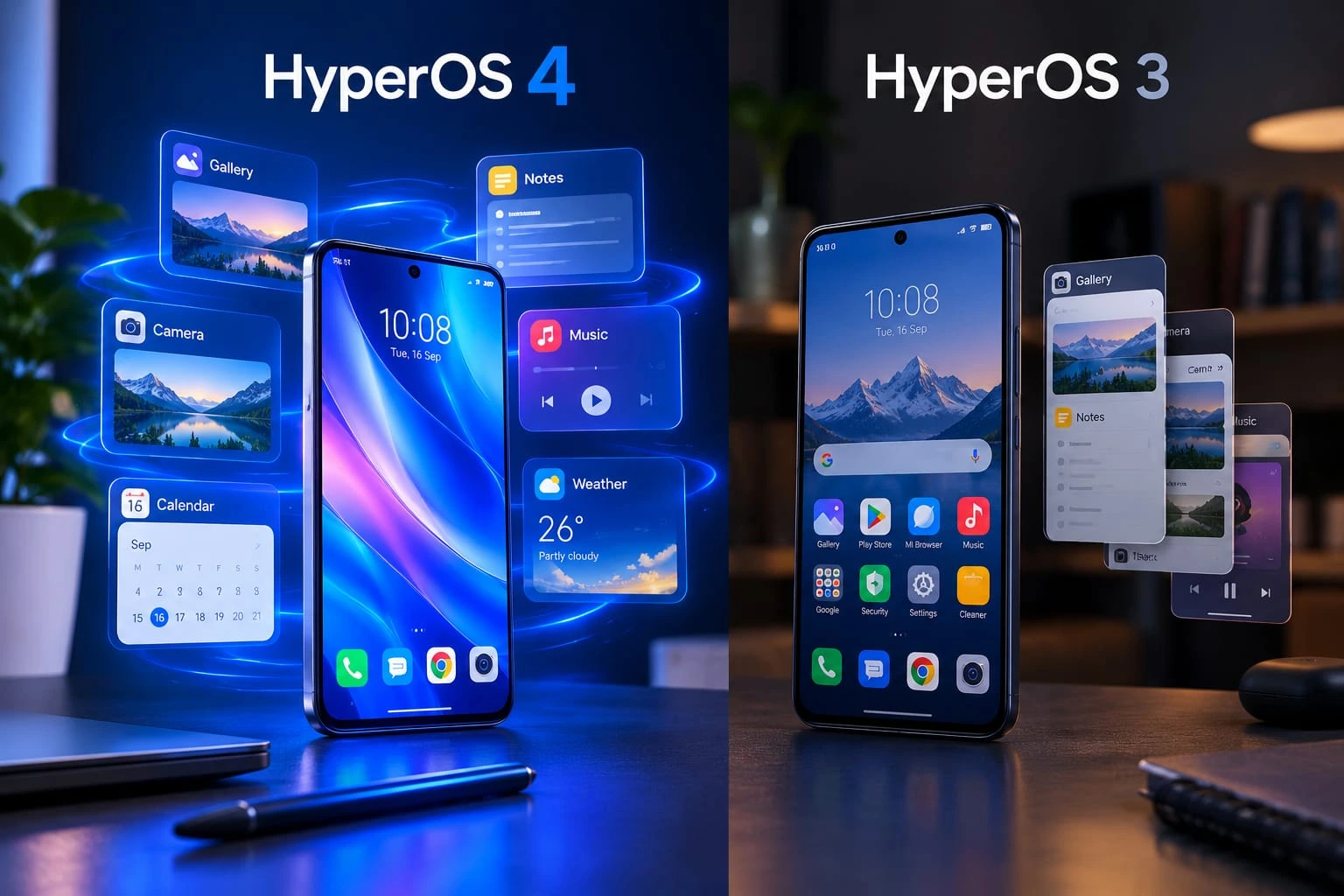
HyperOS 4 vs HyperOS 3 at a Glance
| Area | HyperOS 3 | HyperOS 4 |
|---|---|---|
| Design | Refined animations, dynamic lock screen | Soft Light Glass redesign |
| Performance | Smoother animations | Instruction-level and memory-level tuning |
| AI | Writing, search, translation, voice recognition | AI Voice Note, Super XiaoAi 2.0 (China) |
| Home screen | Widgets, flexible Gallery | Resizable folders, widget stacking |
| Ecosystem | HyperConnect | Redesigned Xiaomi Smart Hub |
New Design: Soft Light Glass
The design is the first thing you’ll see. The new look combines diffused light, organic gradients, and translucent layers, and some outlets have compared it to Apple’s Liquid Glass. It covers the lock screen, home screen, Control Center, and system apps.
Notifications now collapse into stacked cards at the bottom of the lock screen, and a swipe opens the full list. The lock screen clock can be resized, moved, and set to one or two lines. Some of those clock options only work on supported models, so check yours first.
Performance: What Xiaomi Claims
Under the hood, HyperOS 4 adds Precision Workload Scheduling and Memory Preloading to the HyperCore engine, plus a new app runtime environment for system apps. Xiaomi’s lab numbers against HyperOS 3:
- Total instruction count is down about 14.4%.
- Available memory is up 27.2% after eight hours of use.
- System Launcher hot launch time is 9.4% lower across 30 consecutive app launches after nine hours.
- After nine hours, the frame-drop rate was 0.22%, against 1.61% on HyperOS 3.
These come from Xiaomi’s own testing. On your phone the gain will depend on the model, the RAM, and your apps.
Animations and Multitasking
HyperOS 3 already smoothed out animations and app switching. HyperOS 4 tries to keep that smoothness when the phone is busy. Xiaomi rewrote System Launcher, Gallery, and Weather, and says Gallery now scans 10,000 photos 90% faster. Landscape apps and floating landscape windows also got multitasking fixes.
AI Features
HyperOS 3 had AI writing, search, speech recognition, and translation. HyperOS 4 adds a few more:
- AI Voice Note in Notes turns voice memos into structured entries, mind maps, and to-do lists.
- AI Speech Recognition now lets you drop markers while recording and skips silent stretches on playback.
- Super XiaoAi 2.0 is built on Xiaomi’s MiMo large language model. Check whether it’s available in your region.
Which AI features you get depends on your language, region, and device. Features announced for China often arrive later on global phones, or not at all.
Home Screen Customization
Folders can be resized to 1×1, 1×2, 2×1, 2×2, or 4×2, and widgets can be stacked on supported devices. HyperIsland, the live-activity area around the camera cutout, now supports over 130 apps and services.
Device Integration
The Xiaomi Smart Hub is redesigned. You can pin devices and automation routines to the top, open them from the Control Center, and switch between lists for different homes. It helps most if you own several Xiaomi smart devices.
Dual-Phone Syncing lets two phones share calls and SMS. Both need the same Xiaomi account, and the receiving phone must run HyperOS 4. For now it’s China-only.
HyperOS 4 Rollout Schedule
HyperOS 4 reached China first, and a global beta followed in September. The global stable rollout began in early November and runs in three waves through December. Xiaomi 17 series phones and POCO models like the F8 Pro and X8 Pro are in the first wave. POCO F7 series phones follow in mid-November, and older devices such as the Xiaomi 13 series come in December. Exact timing still shifts by model and region.
To check for the update, open Settings > About phone. Charge the phone, free up some storage, and back up your data before you install.
Is HyperOS 4 Worth Updating To?
The design change is real, and the performance numbers look good on paper, though they come from Xiaomi’s lab. If HyperOS 3 runs fine on your phone, waiting a week or two costs you nothing. Read your model’s changelog and early user reports before you install.