





HyperOS 4 started rolling out on November 3, 2026, built on Android 17, and Xiaomi says it will keep going through December. Around 80 phones and tablets are on the list, split into three waves: early November, mid-November and December. If yours hasn’t updated yet, that’s normal. Use the wait to get the phone ready.
What’s new in HyperOS 4
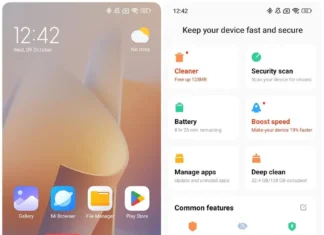
Xiaomi showed it in China in August 2026. The big change is the look: a soft, light glass design that touches most of the interface. You also get AI performance tweaks and new lockscreen options.
Which devices get it, and when
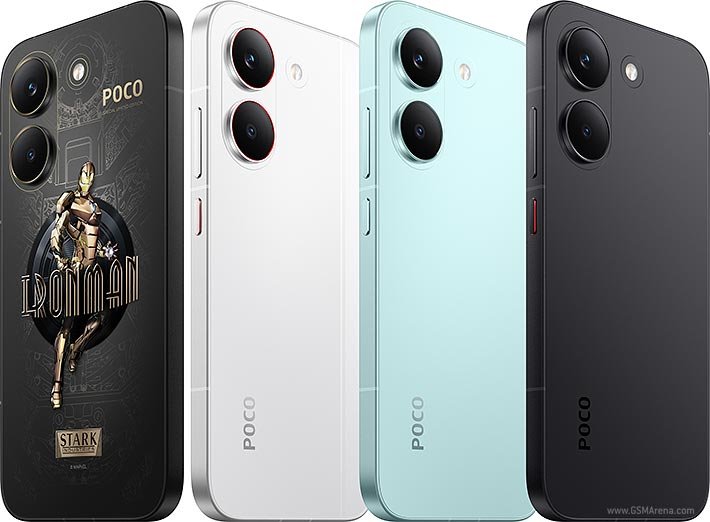
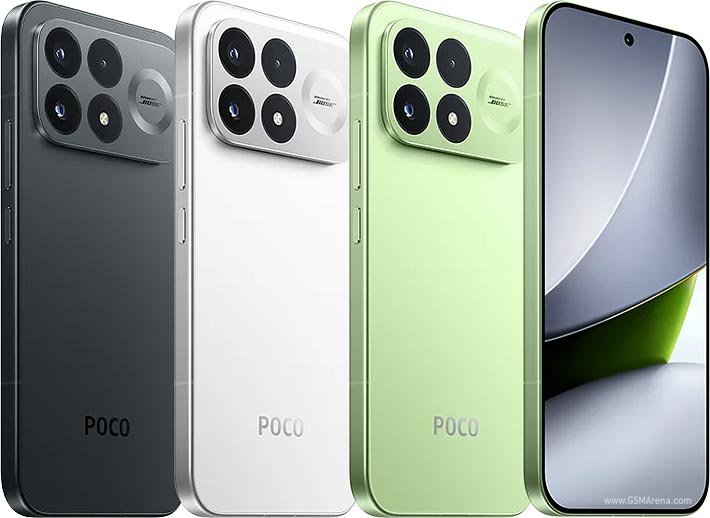
Xiaomi, Redmi and POCO phones all run HyperOS, and tablets are covered too. Even older models like the Xiaomi 13T series made the list. Waves mean your notification can land days or weeks after a friend’s. In India, the update should arrive on the same schedule as the global one. Check your exact model on Xiaomi’s schedule page before you start refreshing Settings.
Free up storage first
Some say the download is 6 to 12 GB, the real size will vary by model and current version, so just aim for several GB of free space. Start with large videos and old downloads, then delete apps you haven’t opened in months. If you use cloud storage, clear out duplicates there too. Anything you can’t replace, like family photos, should go to a computer or external drive.
Back up your data
HyperOS has a built-in backup tool that saves settings and important data to Xiaomi Cloud. Run it. Then copy your photos and files to a second place, because one backup is only half a backup.
Install every pending update
Do these before the HyperOS 4 notification shows up:
- Security patch: Settings > About phone > HyperOS version > Check for updates.
- Xiaomi system apps: Settings > System app updater > Update all.
- Google Play system update: Settings > About phone > Google Play system update.
- Play Store apps: tap your profile picture > Manage apps & device > Update all.
Plug in and use Wi-Fi
Keep the phone on a charger, or at least above 60%. The install takes several minutes and ends with a restart, so don’t start it on 15% battery before a trip.
Expect a rough first day
After a big update, phones tend to run warm and burn battery faster while apps reoptimize in the background. That usually settles within a day or two. If one app acts up, restart the phone, then clear that app’s cache.
HyperOS 4 and your other Xiaomi devices
- Tablets: the Xiaomi Pad 6S Pro 12.4 and the Redmi Pad 2 range are scheduled for December. If you move between phone and tablet, update both close together.
- Smart home: air purifiers, robot vacuums and clothes dryers are controlled through the Xiaomi Home app. After updating, open the app and check that your devices still show online.
- TV and wearables: test casting and notifications once the update is installed.
Quick answers
Will HyperOS 4 delete my data? It shouldn’t. But no major OS update is risk-free, which is why the backup comes first.
Why hasn’t my phone updated? Rollouts are staged and can take weeks.
Is HyperOS 4 based on Android 17? Yes.
Stay up to date on our live HyperOS 4 Tracker.