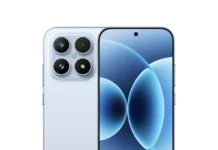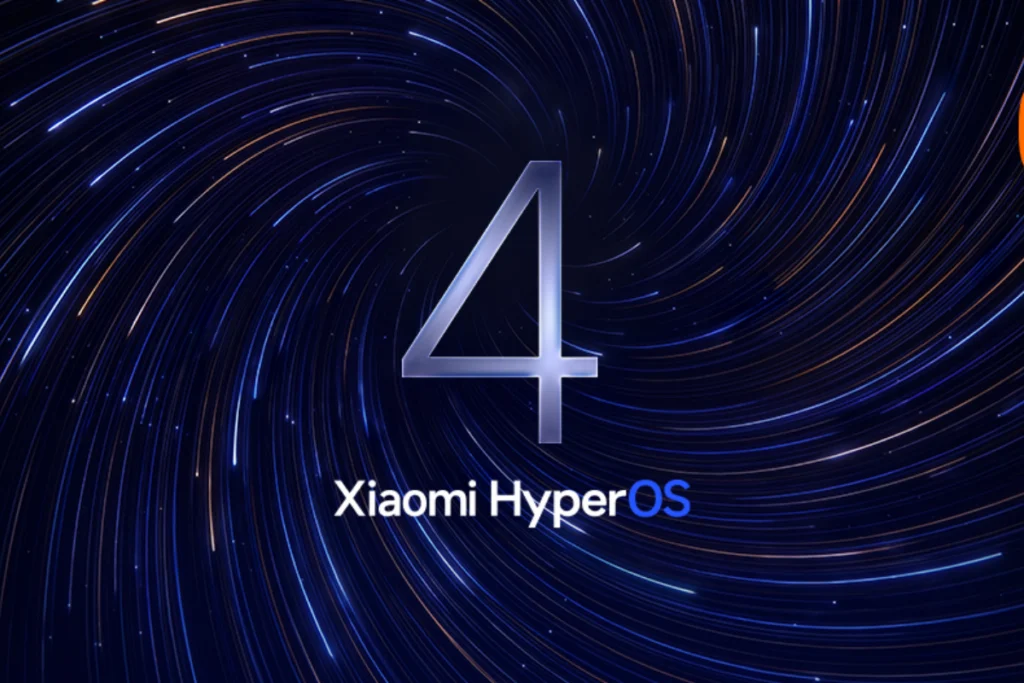




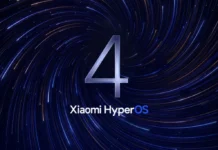
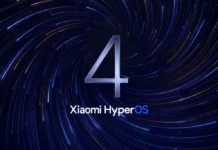


Xiaomi has started beta testing HyperOS 4.0, its Android 17 skin, on a handful of phones. Along with the beta came a new batch of HyperOS 4 Wallpapers built for the redesign. They’re free, and the full-resolution files are linked below.
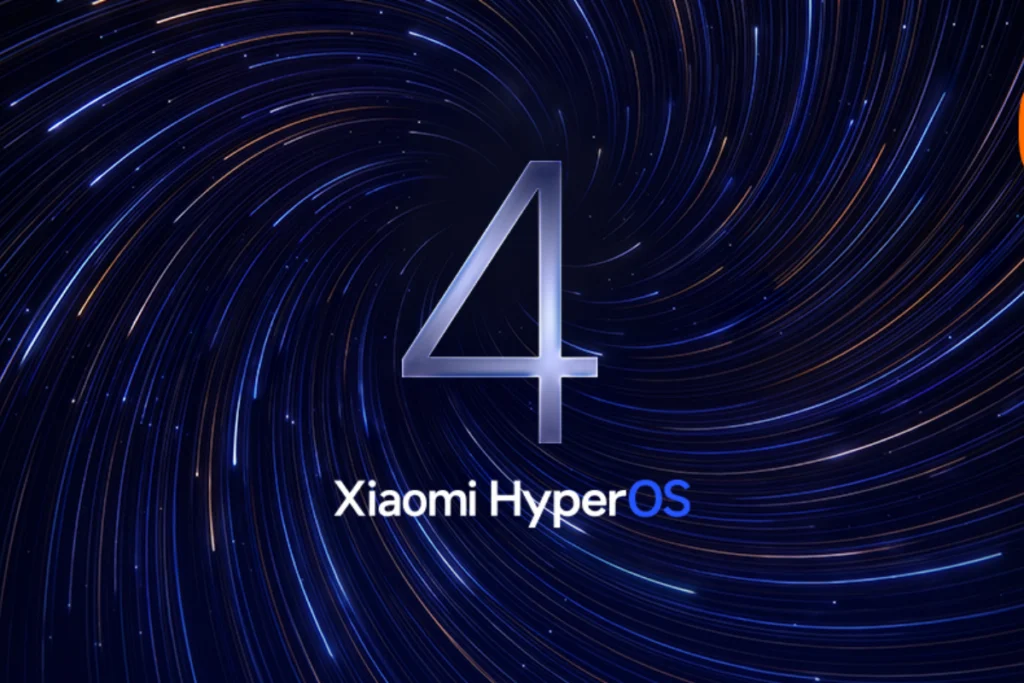
What’s new in HyperOS 4.0
HyperOS 4.0 is Xiaomi’s take on Android 17, and the Soft-Light Glass design is the first thing you’ll notice. It’s openly inspired by Apple’s iOS 26 Liquid Glass. Beyond the looks, you can customize the lock screen more, group widgets, and resize folders. Xiaomi also says apps launch faster and has added some AI features.
The wallpapers
There are 27 new stock wallpapers. Eight are abstract and made to match the Soft-Light Glass style. The others cover Classic, Floral, and Landscape looks. All of them are 1440 x 3130, so quality won’t be a problem.
Note: The images here are low-quality previews. Don’t save them from this page. Use the download link below for the originals.



Download
Grab the files from Google Drive
How to set one
- Open your Downloads folder and pick a wallpaper.
- Open it and tap the three-dot menu.
- Tap Set as wallpaper and choose home screen, lock screen, or both.