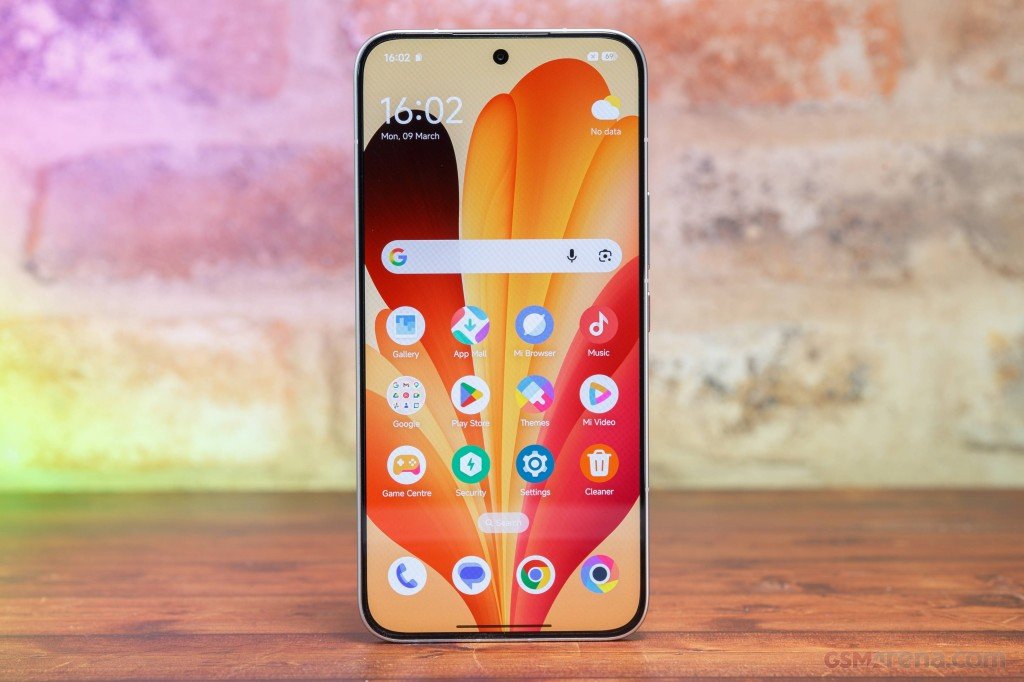









For all those user that are looking for Xiaomi 17 Ultra HyperOS 3 Stable ROM, you can now download it. Update news also lands first in the Xiaomi Community app, if you want to follow along.
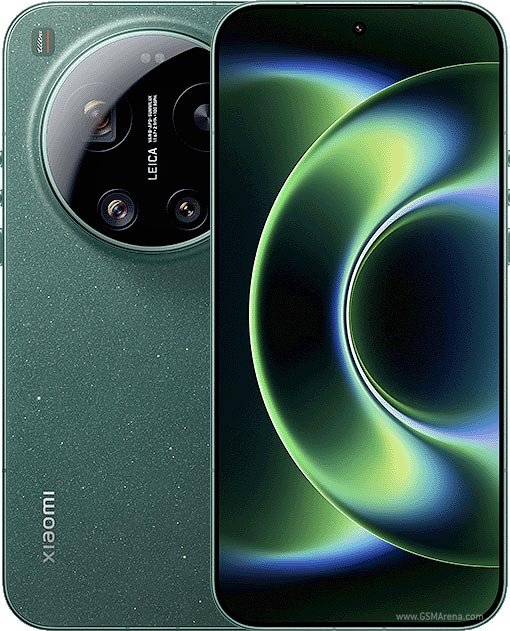
Xiaomi 17 Ultra specs
The Xiaomi 17 Ultra is the camera phone in the lineup. The 200MP periscope telephoto zooms optically from 3.2x to 4.3x, and it sits beside a 50MP main and a 50MP ultrawide. The selfie camera is 50MP too, and video goes up to 8K at 30fps. Power comes from a Snapdragon 8 Elite Gen 5 with 16GB of RAM and 512GB or 1TB of storage. The 6.9-inch LTPO AMOLED is flat, runs at 120Hz and peaks at 3500 nits. The battery is where the global model gives ground: 6,000mAh instead of China’s 6,800mAh, with 90W wired and 50W wireless charging. It’s big at 223g and 8.29mm thick, and it has Wi-Fi 7 and Bluetooth 6.0. Software is Android 16 with HyperOS 3. It was announced globally in late February 2026. If you want the Leica look, a version called the “Leica Leitzphone powered by Xiaomi” is also coming. A €1,499 price for the 16GB/512GB model has been reported, but only as a leak.
Which ROM do you need?
Match the ROM to your phone’s region. German phones use EEA, Colombian phones use Global. This page only has Global and Taiwan, so if you need another region, look for its own package.
Global (OS3.0.335.0.XPAMIXM, 8.8 GB): Download
Both come from the MIUI Official Team. The links carry a timestamp, so if one stops working, grab a fresh link from the official page.
Installing the Xiaomi 17 Ultra HyperOS 3 Stable ROM
You have two options. Local Update is done on the phone and is the easy one. Fastboot Update needs a PC, so use it only if you’re comfortable flashing.
Back up your data before you start, and keep the battery above 50%. Flashing another region’s ROM is the classic way to end up with a phone that won’t boot properly, so double-check the region first.