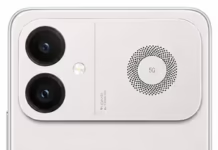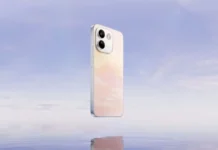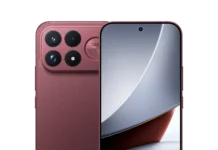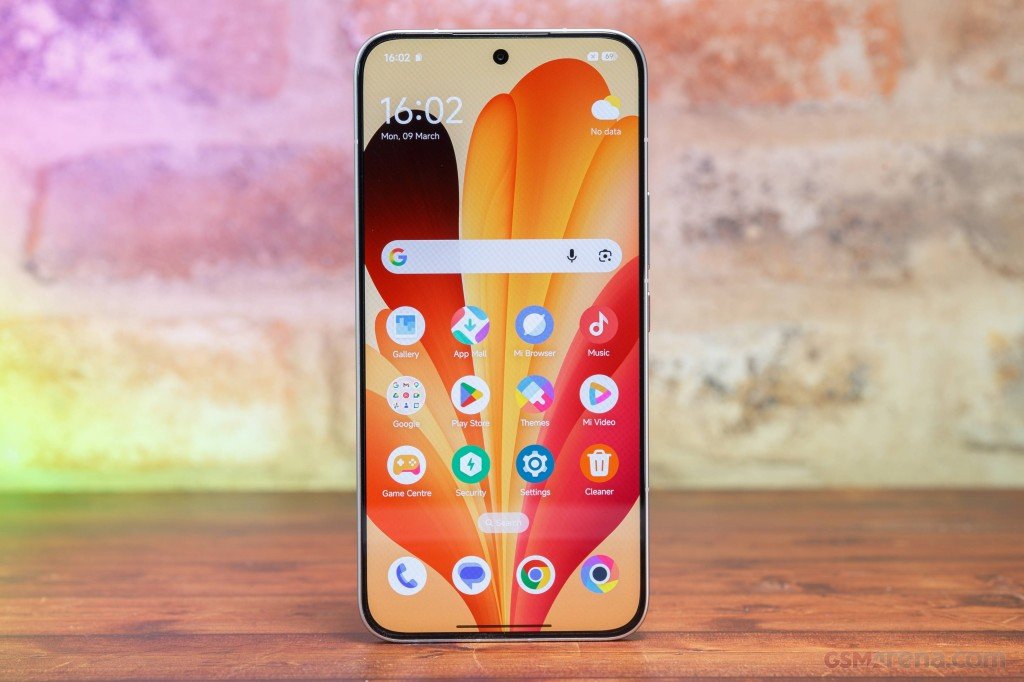









Xiaomi has added a fourth phone to the 17 series, the Xiaomi 17 Max. It’s easy to mix up with the 17 Pro Max, but the 17 Max sits just below it. On paper it has a 200MP main camera, a big 8,000mAh battery, the Snapdragon 8 Elite Gen 5, and a 6.9-inch AMOLED screen. Like the other 17 phones, it ships with abstract wallpapers, and those are now out for download.
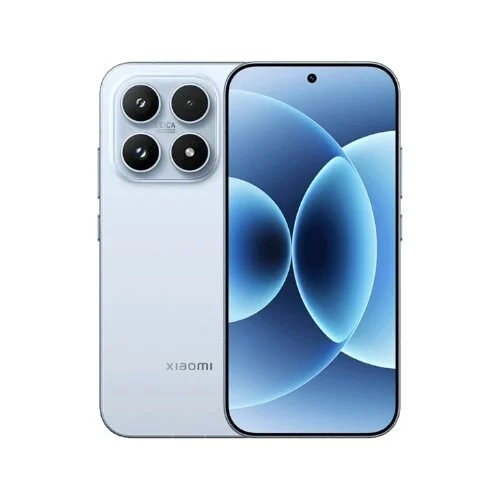
The Xiaomi 17 Max is a big phone, with a 6.9-inch 120Hz LTPO AMOLED display (2608 x 1200, up to 3,500 nits). Inside is the Snapdragon 8 Elite Gen 5, paired with 12GB or 16GB of RAM and 256GB or 512GB of UFS 4.1 storage. The back has a 200MP main camera, a 50MP telephoto, and a 50MP ultra-wide, while the front has a 32MP selfie camera. The 8,000mAh battery is the real selling point, and it charges at 100W wired or 50W wireless. The phone weighs 219g, is IP68 rated, and runs Android 16 with HyperOS 3. It launched in China on May 21, 2026, starting at CNY 4,799.
Xiaomi 17 Max Wallpapers
Xiaomi bundled 12 wallpapers with the phone. Six look like redesigned versions of the ones on the Xiaomi 17 Pro, and the other six are taken from the Xiaomi SU7 Ultra. Each is 1440 x 3200, so they’ll look sharp on most screens.
The images below are low-resolution previews, so don’t save them from this page. The original files are in the download section.
Preview
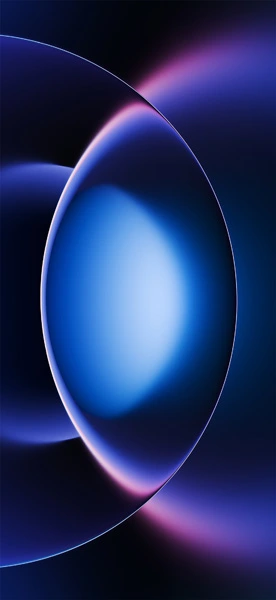



Download Xiaomi 17 Max Wallpapers
Want them on your home screen or lock screen? The full-quality files are on Google Drive.
- Download Xiaomi 17 Max Wallpapers: Google Drive
How to Set the Wallpaper
- Open your Downloads folder and pick the wallpaper you want.
- Open it and tap the three-dot menu.
- Choose “Set as wallpaper,” then home screen, lock screen, or both.