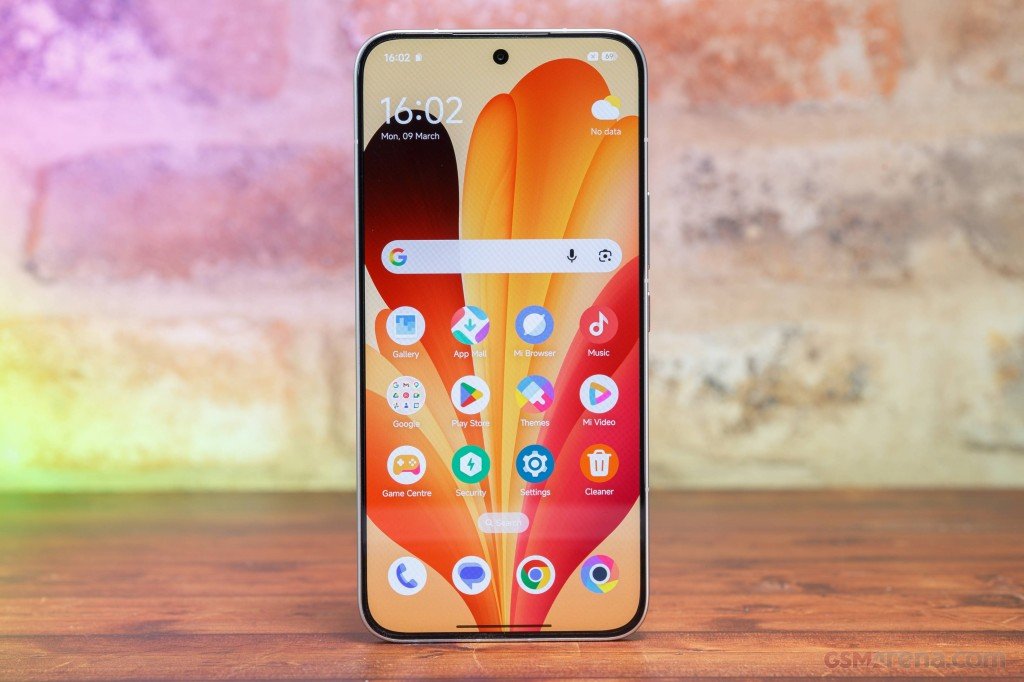











Xiaomi phones running HyperOS come with a graphic equalizer, so you can change how your phone sounds without installing anything. Most people never open it, even though it sits just a few taps deep in Settings.
What the equalizer does
An equalizer raises or lowers specific frequency bands. Boost the bass and treble, drop the mids, and music gets heavier and more aggressive. Flatten the bass and lift the mids and it sounds warmer. It only changes media audio like music, video and games. Your ringtone stays the same.

Where to find it
- Open Settings.
- Tap Sound & vibration.
- Tap Sound effects.
- Select Graphic equalizer.
The exact spot for Sound effects can move slightly between HyperOS versions, so look around the Sound & vibration page if it isn’t where you expect.
Presets and manual control
You can drag the frequency bands yourself or pick a preset: Rock, Jazz, Pop, Classical, Hip Hop, Blues, Electronic or Metal. If you just want a quick change, start with a preset and adjust from there.
Tips
Test it with headphones. On the phone speaker the presets are hard to tell apart. Keep adjustments modest, since extreme boosts distort fast. The same menu also has Immersive Sound, which widens the soundstage and is worth a try if you like tweaking audio.